For independent teachers & tutors
Teach your lesson once.
Keep it working between classes.
Your teaching stays in control
The practice app that follows your lesson.
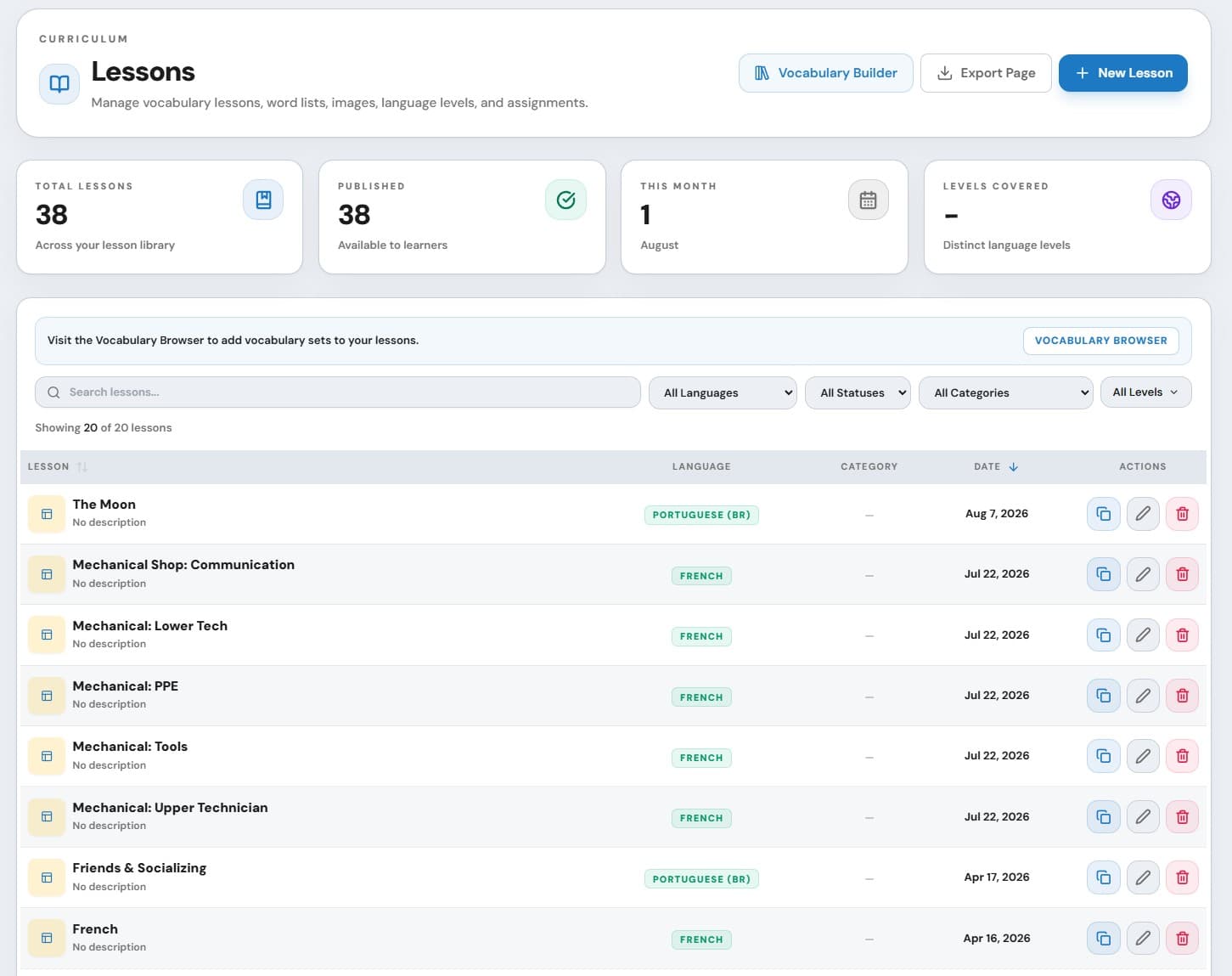
Your vocabulary. Your examples. Your lesson. Their practice. Eluency gives students a modern place to continue without asking you to adopt somebody else’s curriculum.
A practical weekly workflow
From today’s material to tomorrow’s teaching decision.
Prepare
Create manually, import supported material, or begin with an AI-assisted draft.
Assign
Choose one student on Free or a classroom with Standard, then send the exact work.
Continue
Students practise the assigned material through supported web and mobile experiences.
Respond
Use the result to review, follow up, or shape the next lesson.
Classrooms for independent teachers
Teach individuals. Manage groups just as easily.
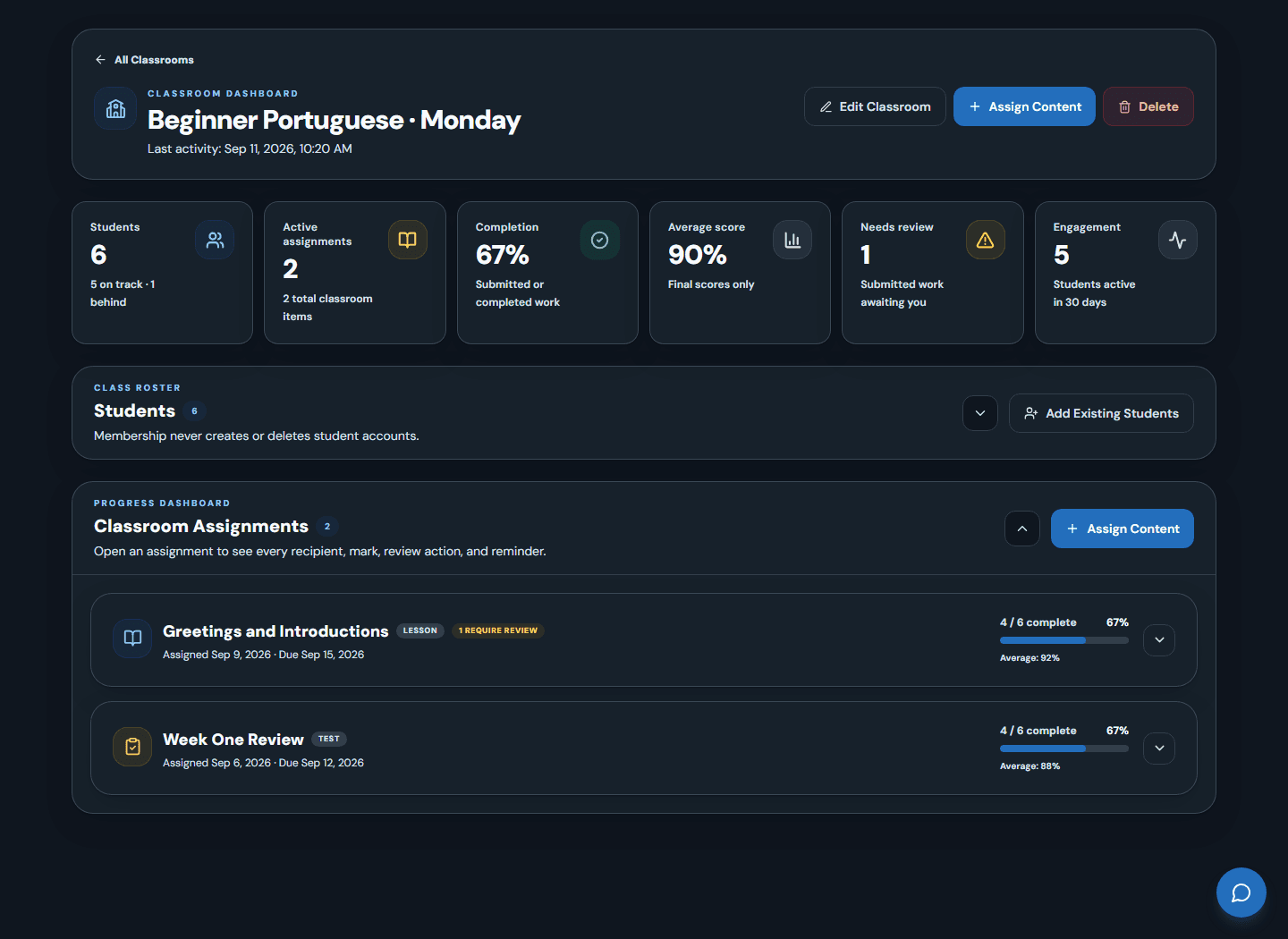
Make real teaching groups
Assign once
See the class at a glance
Follow up
Four reasons to use Eluency
Less disconnected homework. More useful continuity.
Control
Continuity
Visibility
Efficiency
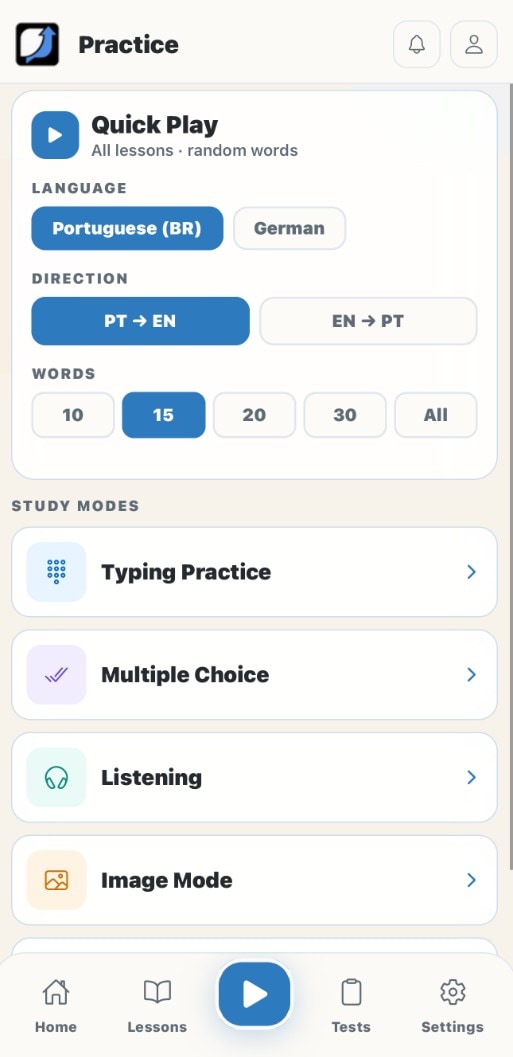
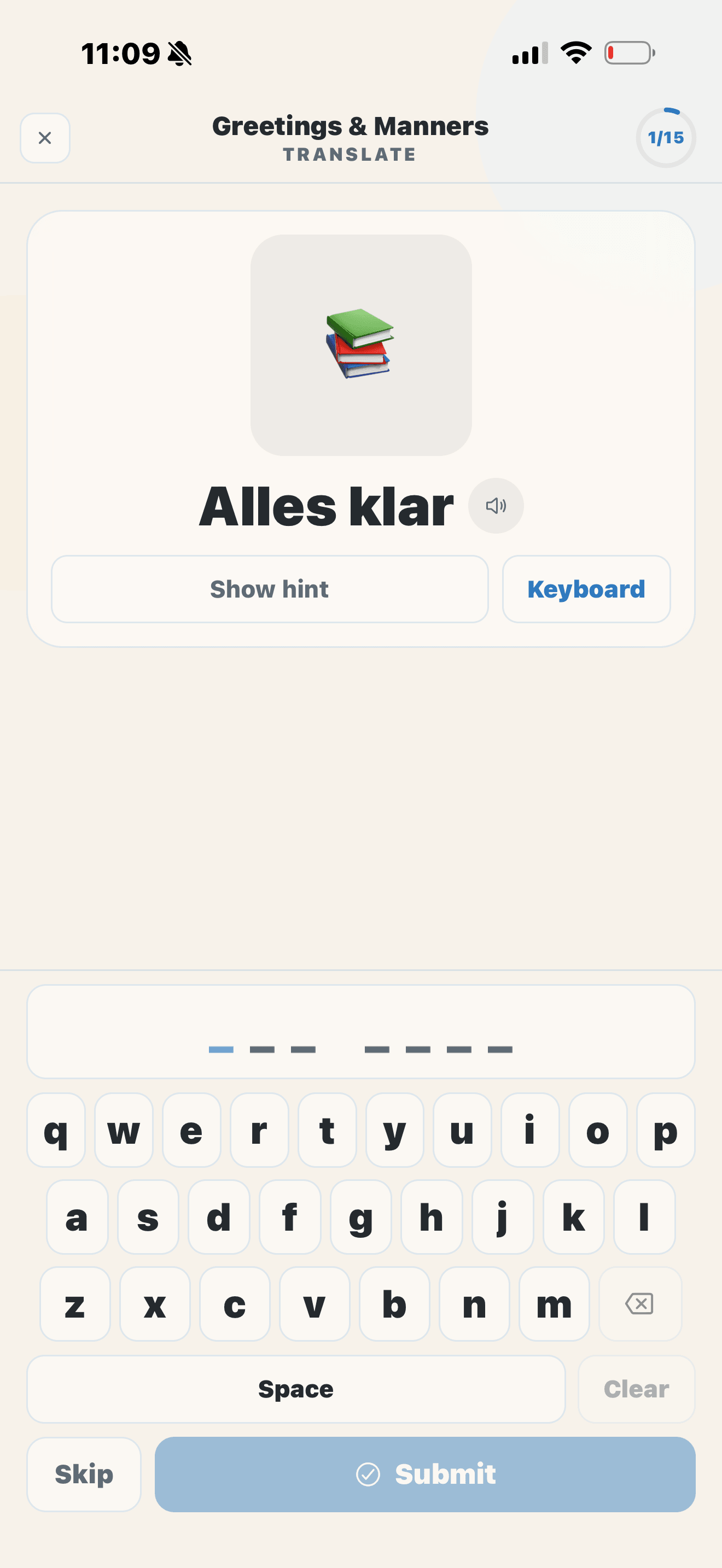
A professional student experience
Students need practice—not another account to manage.
Share a six-character code. Students open the material you assigned, continue unfinished work, and practise through supported activity types without creating an email-and-password account.
Web and mobile
Teacher-managed
Progress continues
Practice stays relevant
Bring the material you already use.
Build vocabulary-first lessons manually or use supported file and content tools. Add examples, images, conjugations, objectives, handouts, or audio where the product supports them.
AI drafts. You decide.
Use AI to reduce preparation friction, then review and edit the result. Teacher judgment remains the gate between a draft and student practice.
Start small
Try the complete loop with one active student.
Need Classrooms or more students? Review Standard.
Teacher questions
Know how Eluency fits before you begin.
Is this a fixed language curriculum?
How do students get in?
Can I assign the same work to a class?
Can I use Eluency for online lessons?
Can I try the complete workflow for free?
What role does AI play?
What you teach today