
Teacher-controlled language practice
Your curriculum.
Their practice.
Turn what you teach into interactive practice — for one student on Free or entire classrooms with Standard.
Set up in minutes · Upgrade anytime
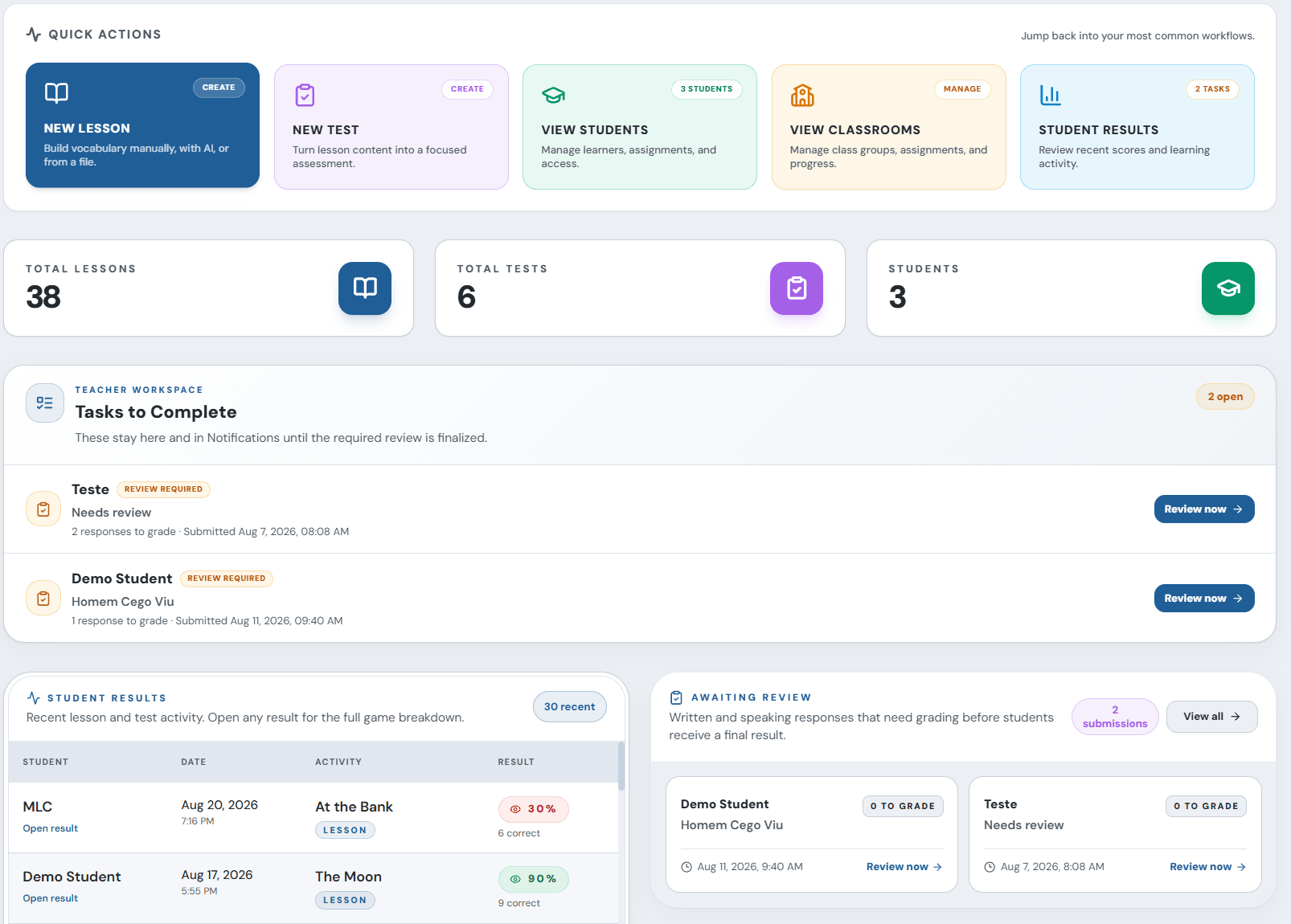
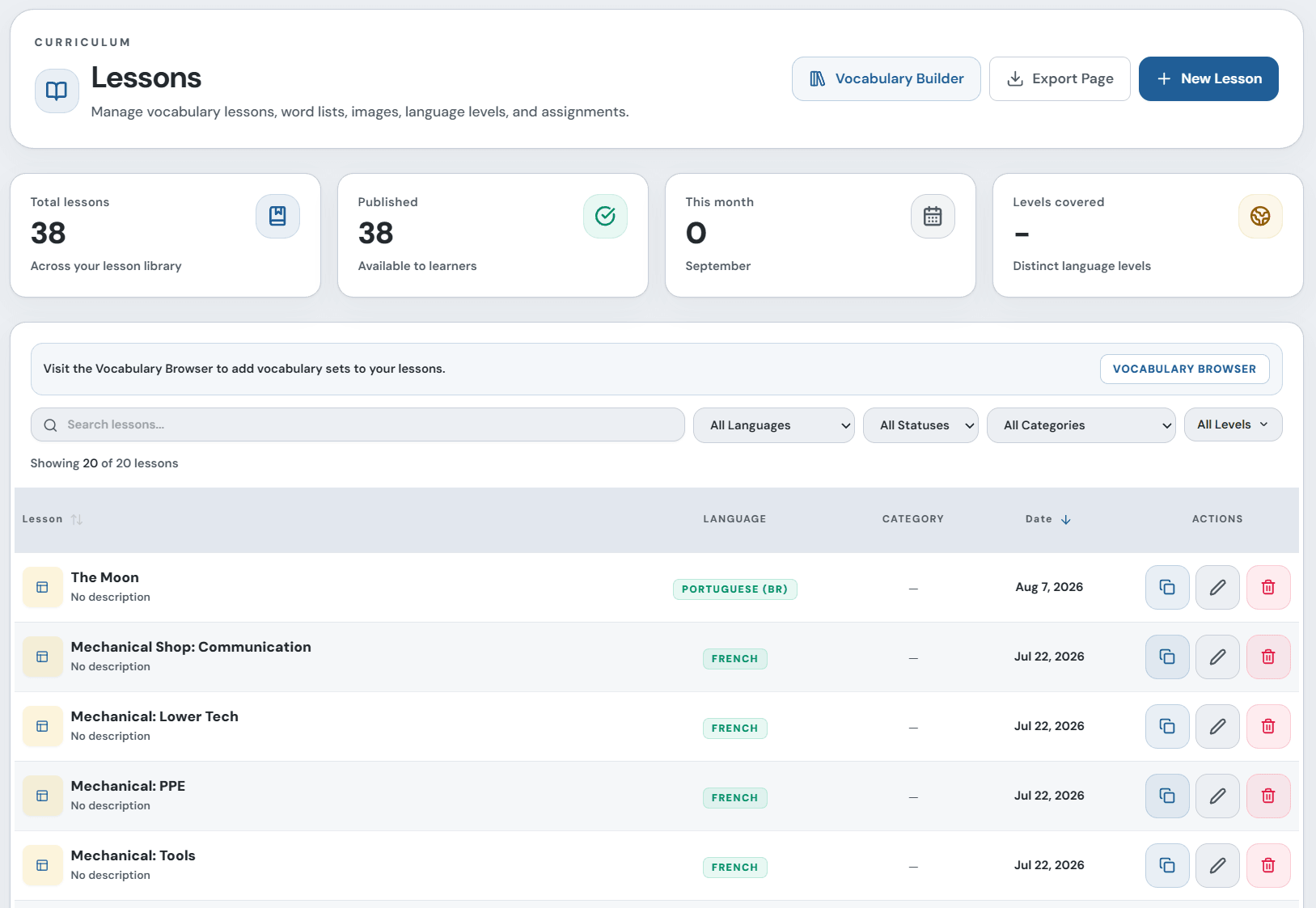
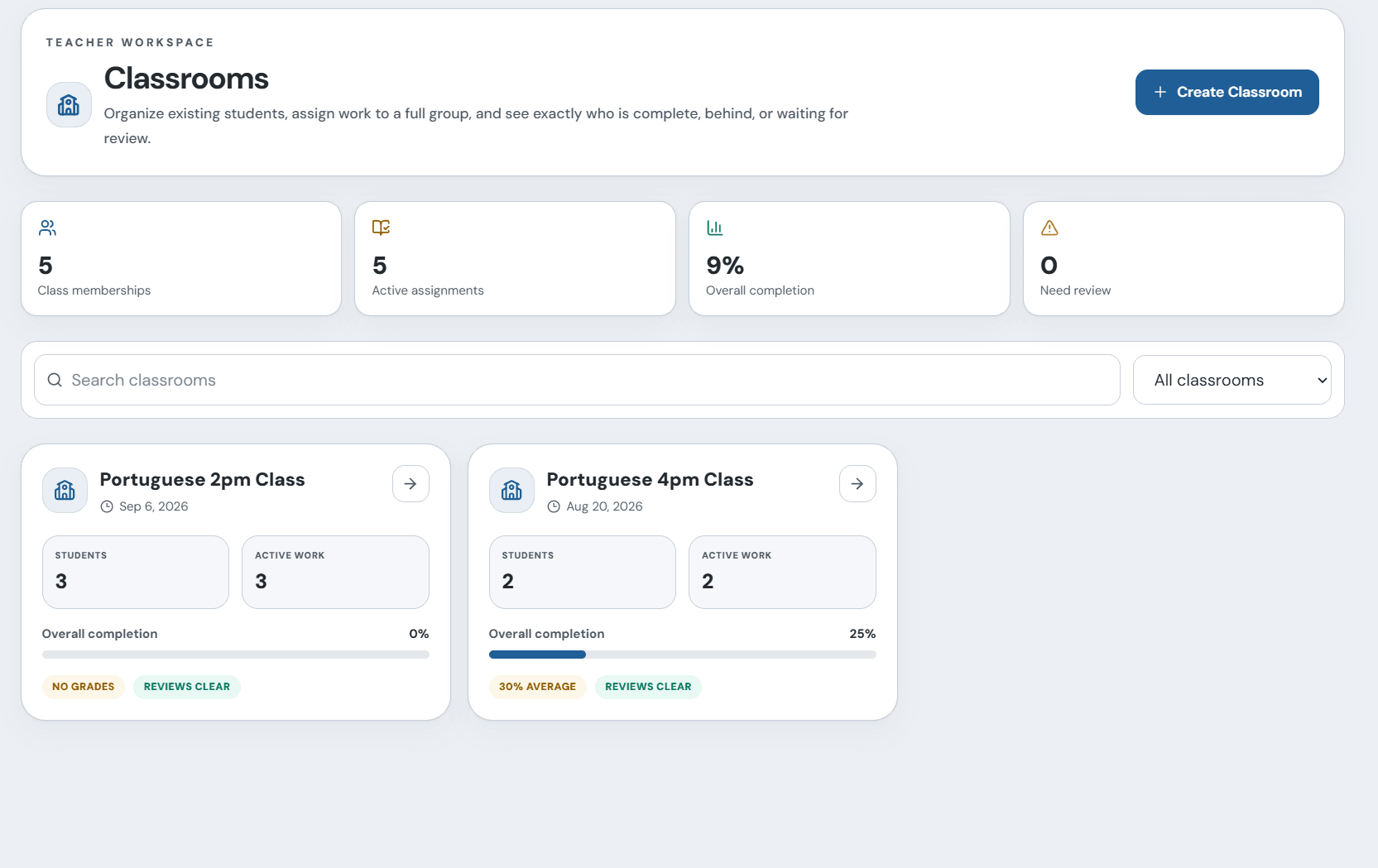
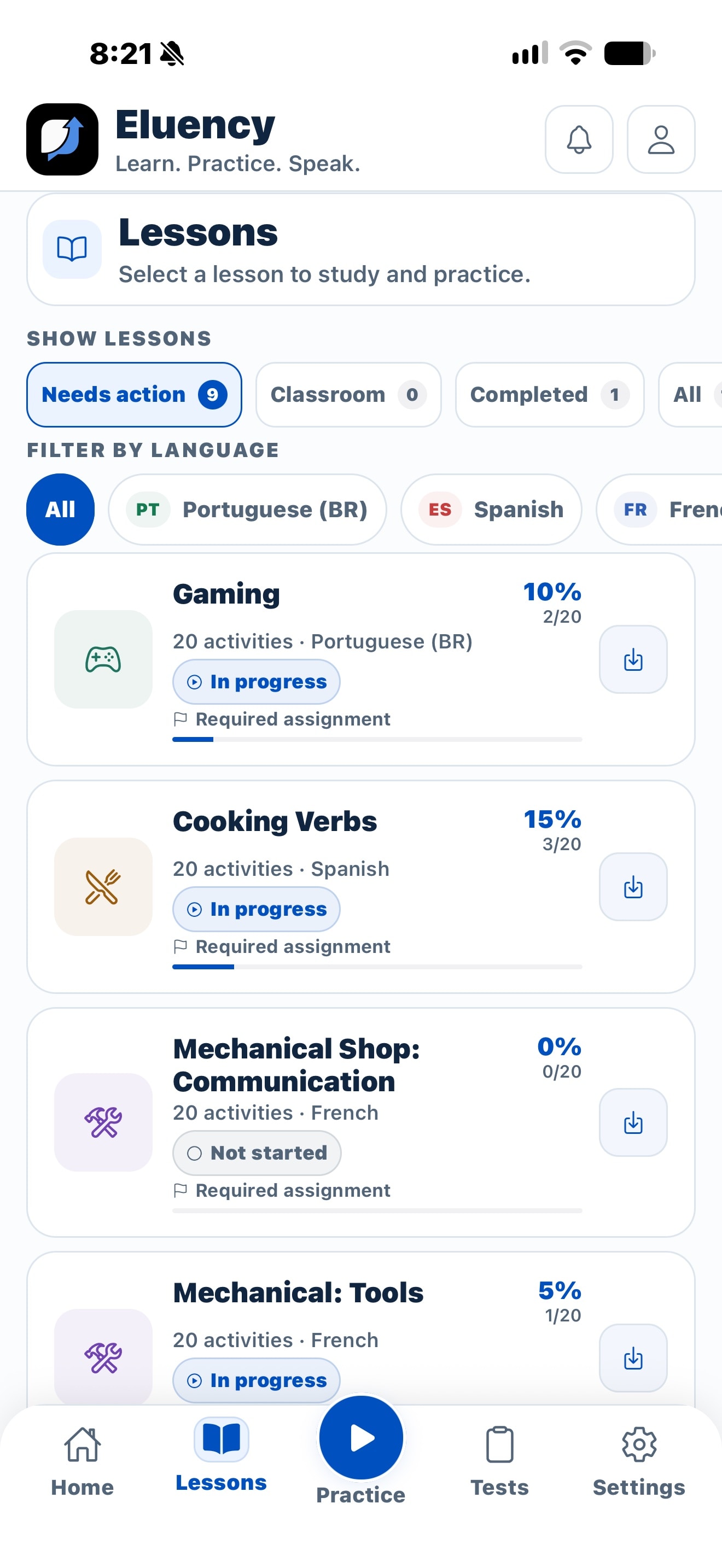
.jpg&w=3840&q=92&dpl=dpl_6VR2LHPxeByashRztQv7r4GpUSUt)
.jpg&w=3840&q=92&dpl=dpl_6VR2LHPxeByashRztQv7r4GpUSUt)
.jpg&w=3840&q=92&dpl=dpl_6VR2LHPxeByashRztQv7r4GpUSUt)
.jpg&w=3840&q=92&dpl=dpl_6VR2LHPxeByashRztQv7r4GpUSUt)
Control
Teachers choose the curriculum
Continuity
Practice follows the lesson
Visibility
Results shape what comes next
Scale
Manage classrooms with Standard
The gap after class
Your lesson shouldn’t disappear when class ends.
Without a connected system
The curriculum breaks at the classroom door.
With Eluency
What you teach today becomes what they practise tonight.
One connected learning loop
The lesson and the practice stay connected.
Step 01
Create
Build or import the vocabulary, examples, context, and questions from your lesson.
Step 02
Assign
Assign individually on Free, or send work to a whole classroom with Standard.
Step 03
Practise
Students continue the material through guided activities on web or mobile.
Step 04
Respond
Review what happened and bring the right vocabulary or questions into the next lesson.
Illustrative product walkthrough
From assignment to practice in seconds.
Illustrative demo: a teacher selects Sofia, assigns Greetings, and shares her student code. Sofia joins, opens Greetings, chooses a study mode, translates Hello as Olá, selects Bom dia for Good morning, and finishes with two correct answers and 100%.
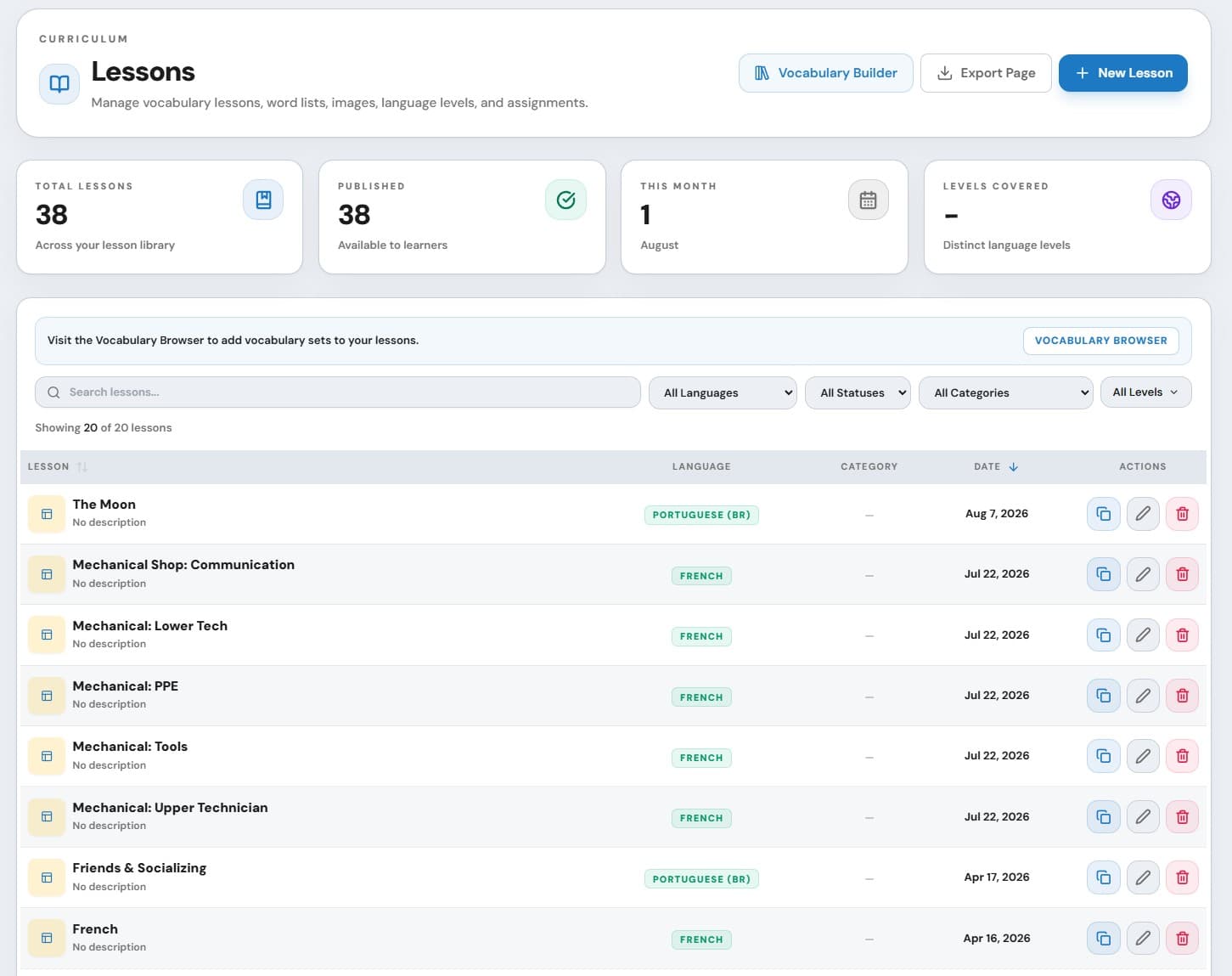
Your material
One teacher workspace from lesson creation to follow-up.
Create lessons and tests, manage students, assign work, and return to results without rebuilding the teaching context in another tool.
Classroom management
Assign once. Keep the whole class moving.
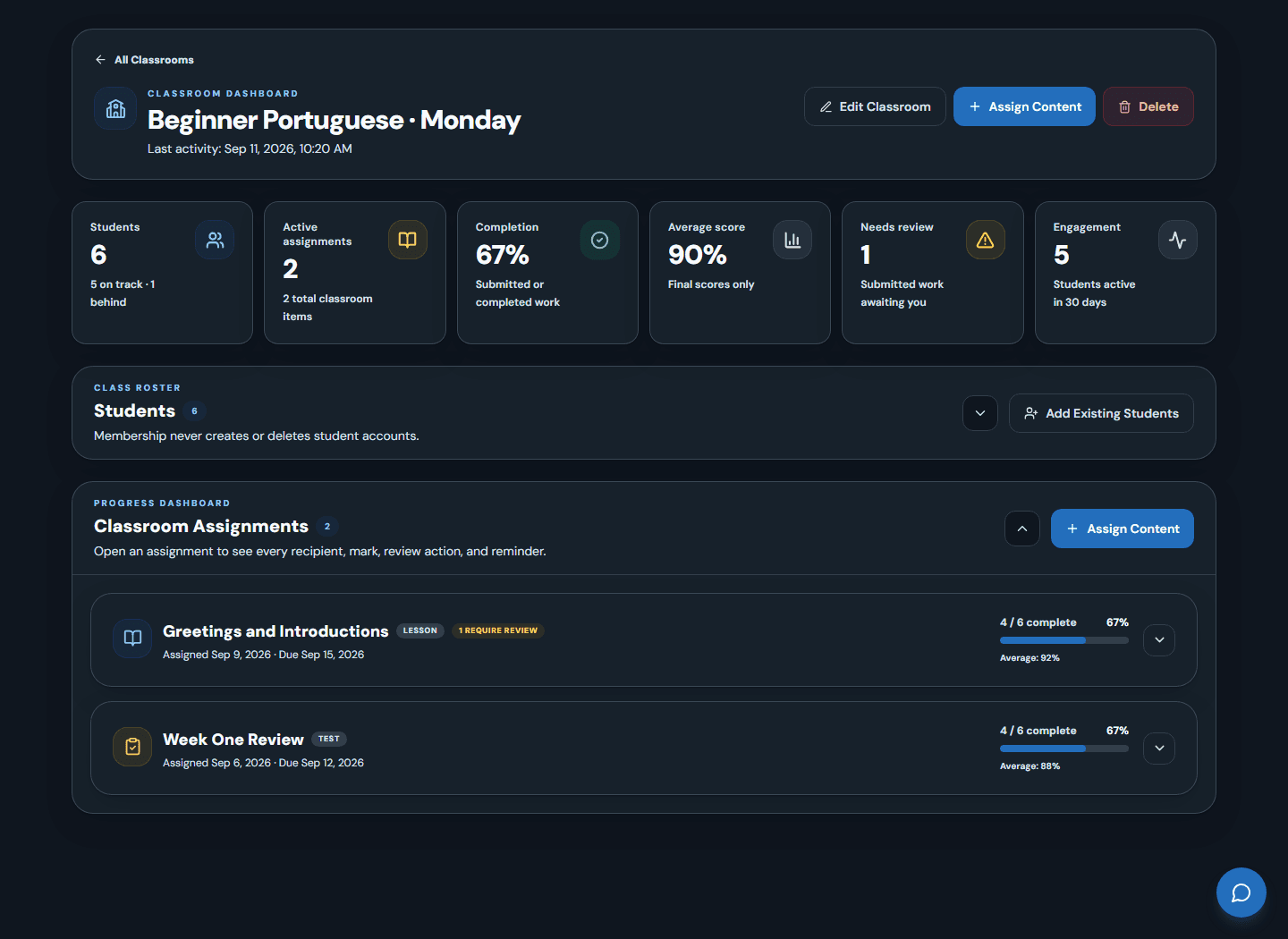
Organize your roster
Assign to everyone
Set clear expectations
Follow up with purpose
Choose your path
Built for individual teaching and school-wide consistency.
For teachers & tutors
What you teach today becomes what they practise tonight.
For language schools
One practice system. Your teachers keep their curriculum.
Organize students into teacher-managed classrooms
Assign lessons and tests to the whole class
Review completion, scores, and follow-up needs
Visibility that changes the next lesson
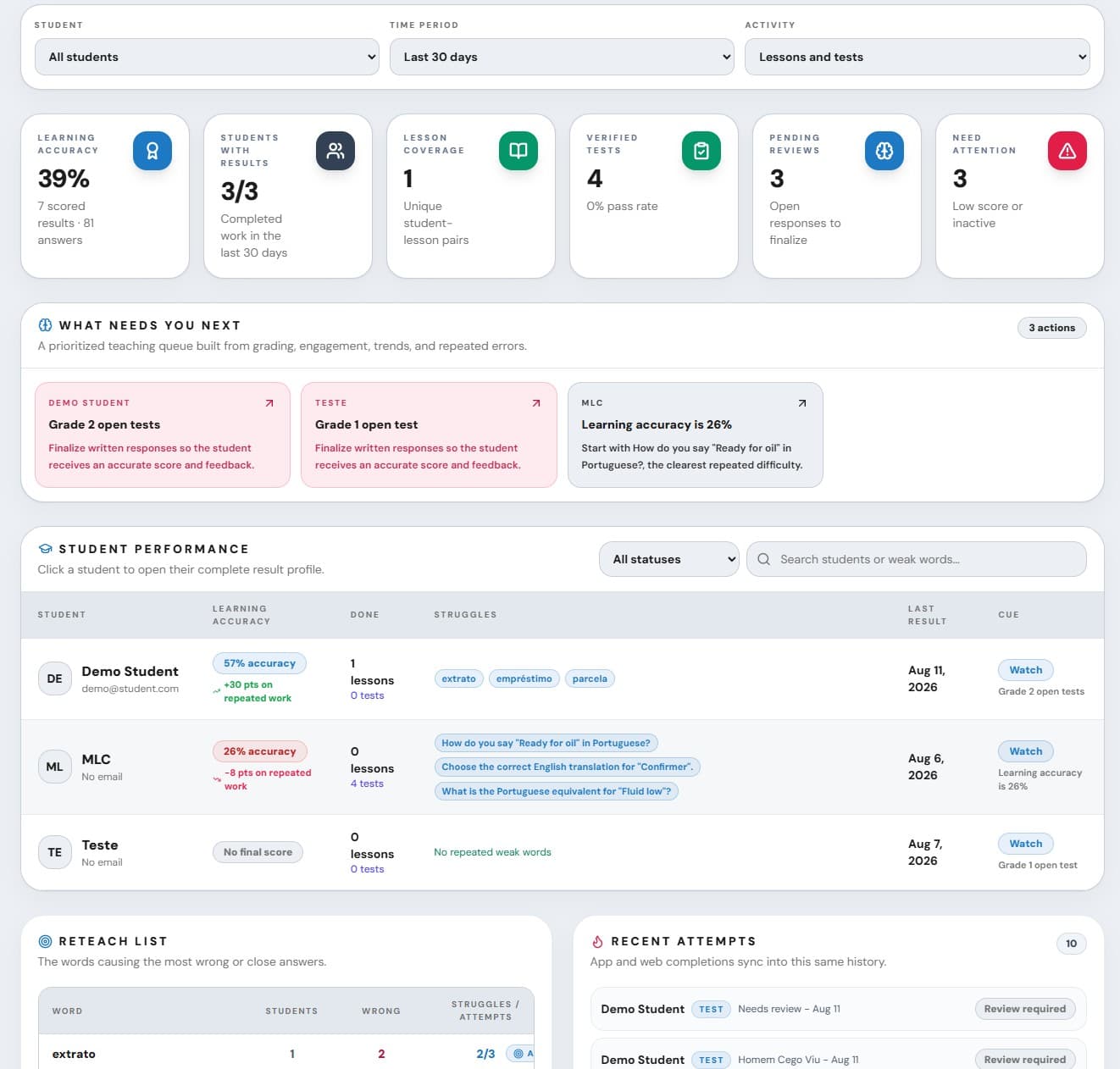
Know what needs review before the next lesson.
The point is not to collect more charts. It is to help a teacher decide what to revisit, who needs follow-up, and whether assigned work is complete.
Completion
Review signals
Test results
Follow-up
The student experience
Practice feels connected because it came from their teacher.
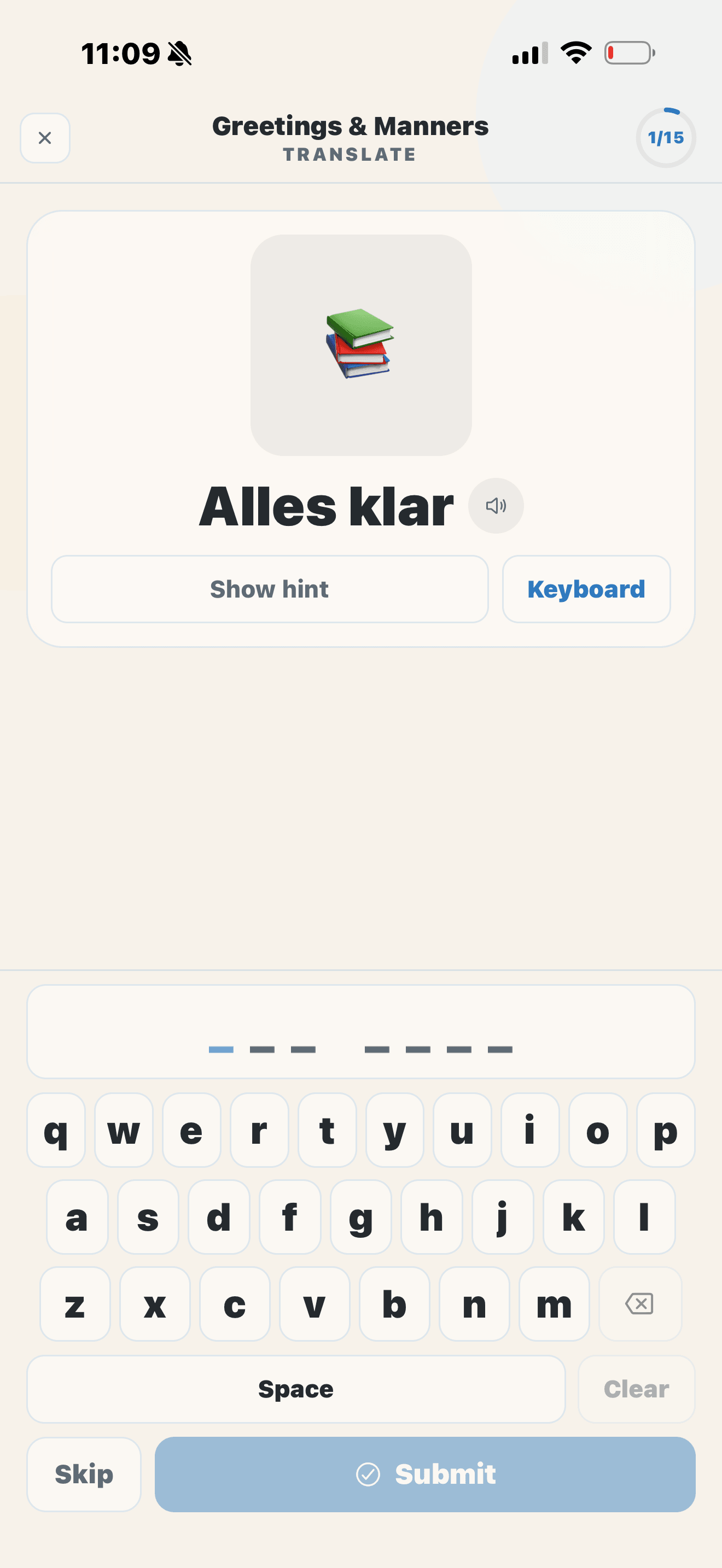
Typing practice
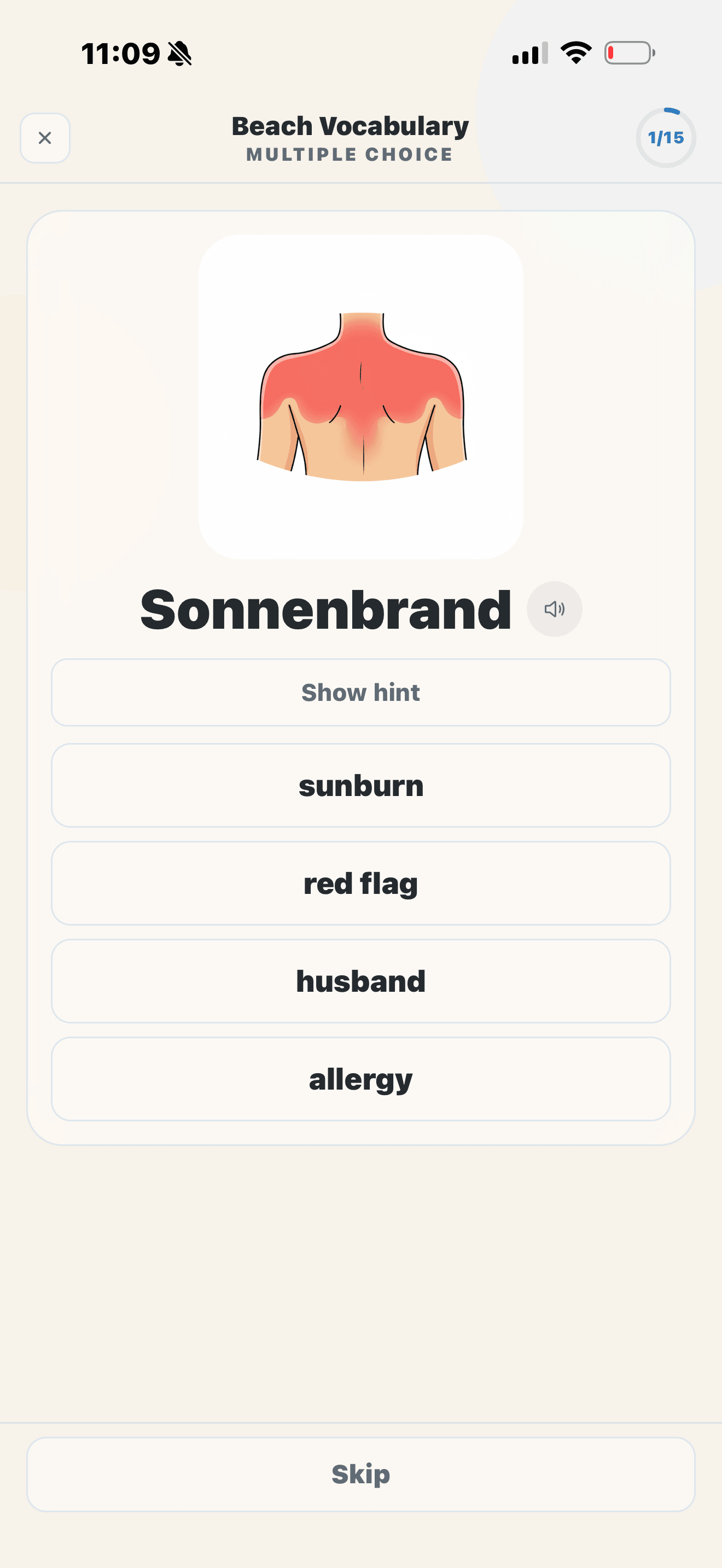
Multiple choice
Web and mobile
Focused activities
Resume and review
No student purchase
Teacher-controlled AI
AI assists. Teachers decide.
AI can help draft vocabulary, questions, or supporting material. Teachers review, edit, and decide what belongs in the lesson before students see it.
Privacy and trust
Built for teacher-controlled student practice.
Teacher-managed profiles
Teachers create student profiles and control assigned content.
Minimal student access
Students use a code instead of creating an email-and-password account.
Clear AI boundaries
The security page explains current AI processing and teacher responsibilities.
Simple paths to begin
Start with one student. Grow when the product is ready for you.
Free
$0
One active student profile, individual assignments and results, core teacher tools, no card, and no time limit.
Start freeStandard
$9.99 CAD
Classrooms, up to 30 active students, group assignments, and expanded reporting for independent teachers.
View pricing detailsSchools
Custom
Discuss teacher-owned classrooms, teacher and student capacity, current administration options, onboarding, and support.
Book a school demoQuestions teachers and schools ask
Clear answers before you commit.
Can I use my own teaching material?
Do students need to create accounts?
Can students practise on mobile?
Can I assign work to a whole classroom?
What happens when I add a student to a classroom later?
Does AI decide what students learn?
What can teachers see after students practise?
Is Eluency designed for language schools?
Can I start with one student?
Your curriculum. Their practice.